





 No. 1 Viral Appin United States 🇺🇸


 #1 AI Call Assistanton SimilarWeb
Your Real-Time AI Call Assistant
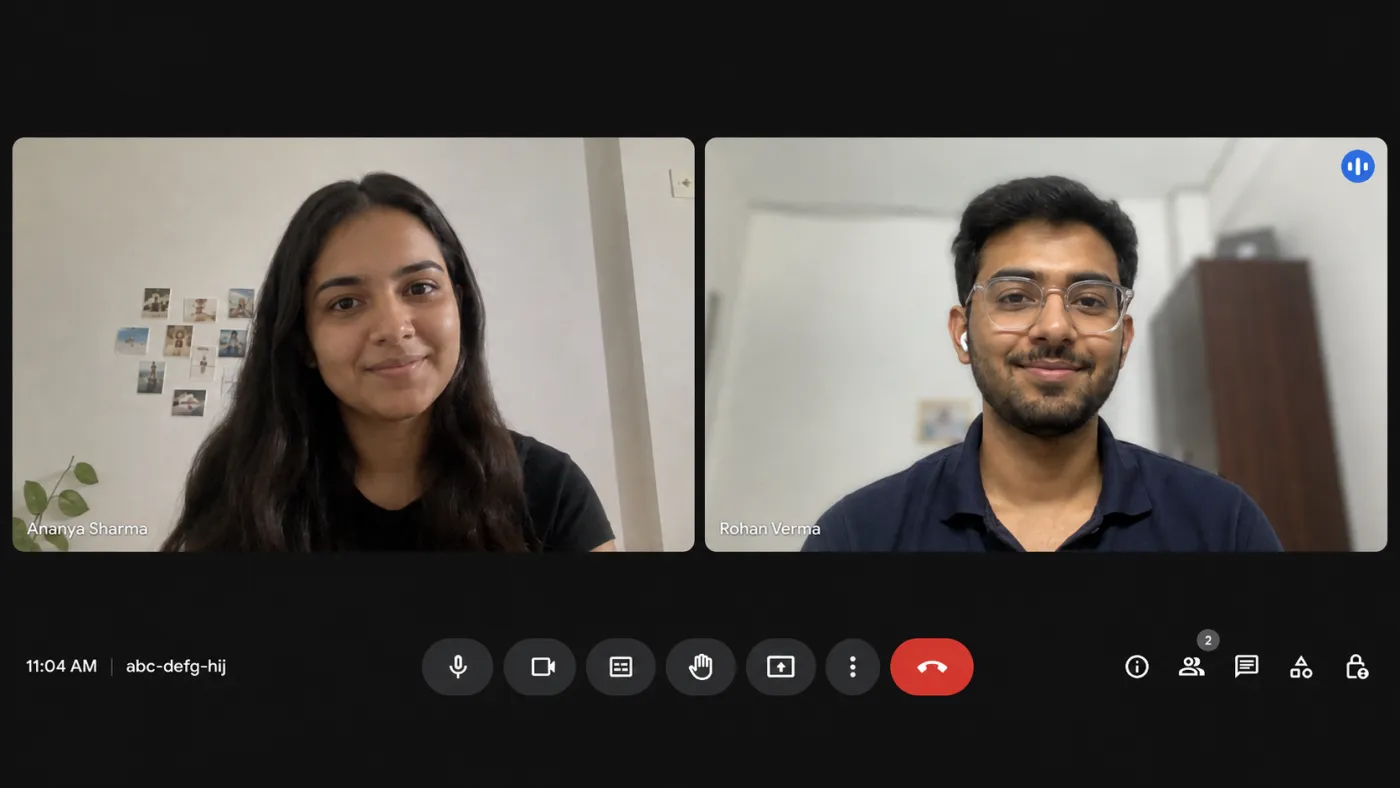
Get the right answer while you're still talking, through sales calls, client meetings, or any conversation where freezing up isn't an option.

Everything You Need, Mid-Conversation
Code, speech, and answers, handled live while the call is still happening.
Built For Technical Calls
Support escalations, integration reviews, architecture walkthroughs. It reads the code shared on your screen and talks the fix through with you while the call is still going.
Blazing Fast Transcription
We use a state-of-the-art transcription model that provides
a highly accurate model in recent breaking speed.


100% Accurate Responses
We chose between the best LLMs available to provide
the most accurate answers.
Before, During,
And After The Call.
ParakeetAI runs in the background, knows your material, and handles the call from start to notes.
Auto Answer
Detects questions live and suggests answers, so you're never caught blank.

Auto-detect meetings
Spots meetings as they start and asks if you want to join, with no setup mid-call.
Documents
Upload briefs, notes, or playbooks to reference live during your call.
AI Notes
Key points, action items, and decisions, summarized after every call.
Connect to your actual call by sharing the call tab.
Practice against an AI caller instead of a Real Session.
Mock Sessions
Join a real call, or practice with an AI caller. Your first mock is free.
Transparent Pricing Options
Subscribe for unlimited peace of mind, pick just the Prepare tools you need, or buy credits and use them whenever.
Unlimited
RecommendedStop counting. Everything covered, for as long as you need it.
- Unlimited call sessions (& mock)
- Unlimited resume PDF downloads
- Unlimited headshots
- Full Question Bank access
Your Advantage, Anywhere
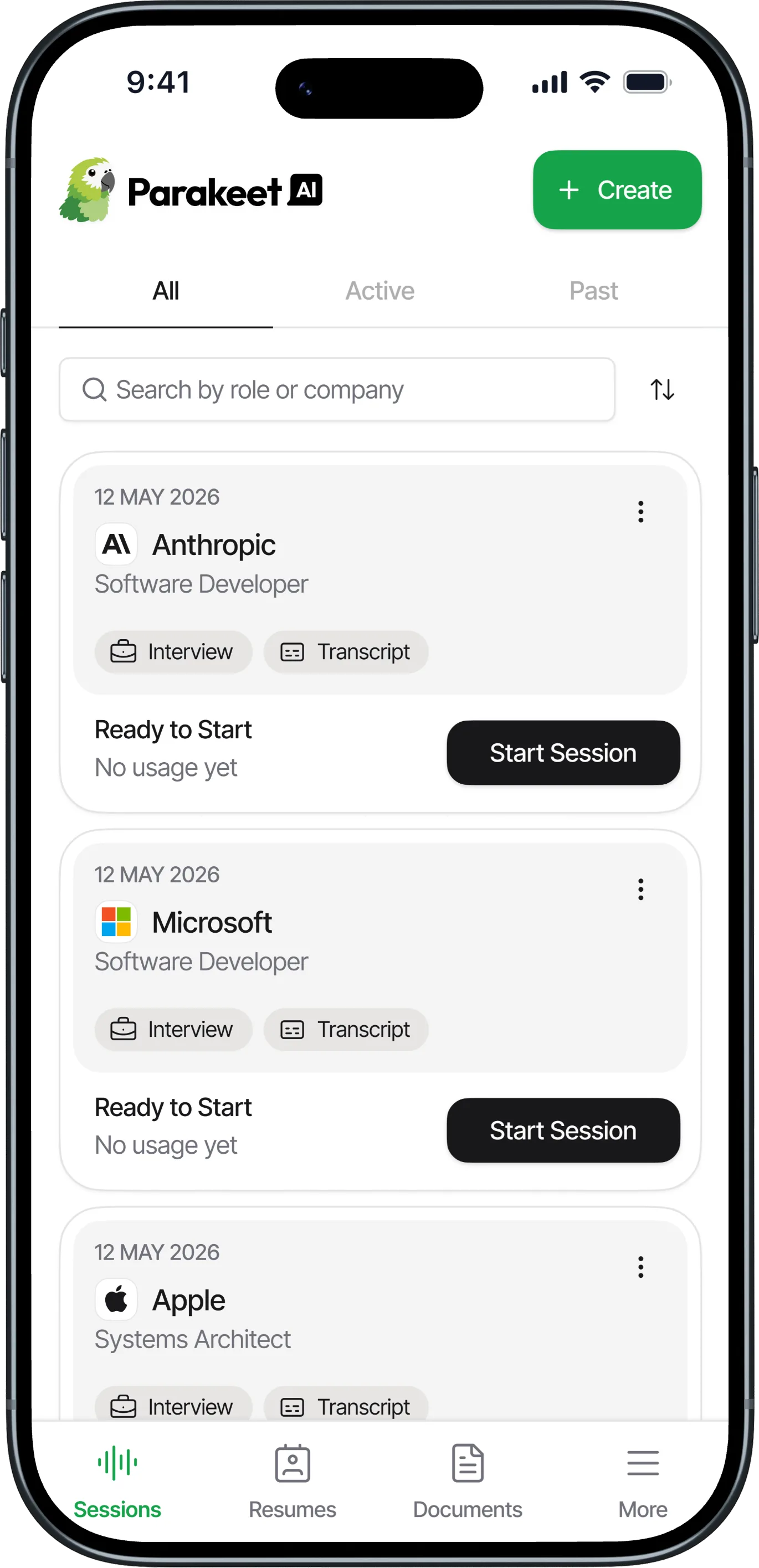
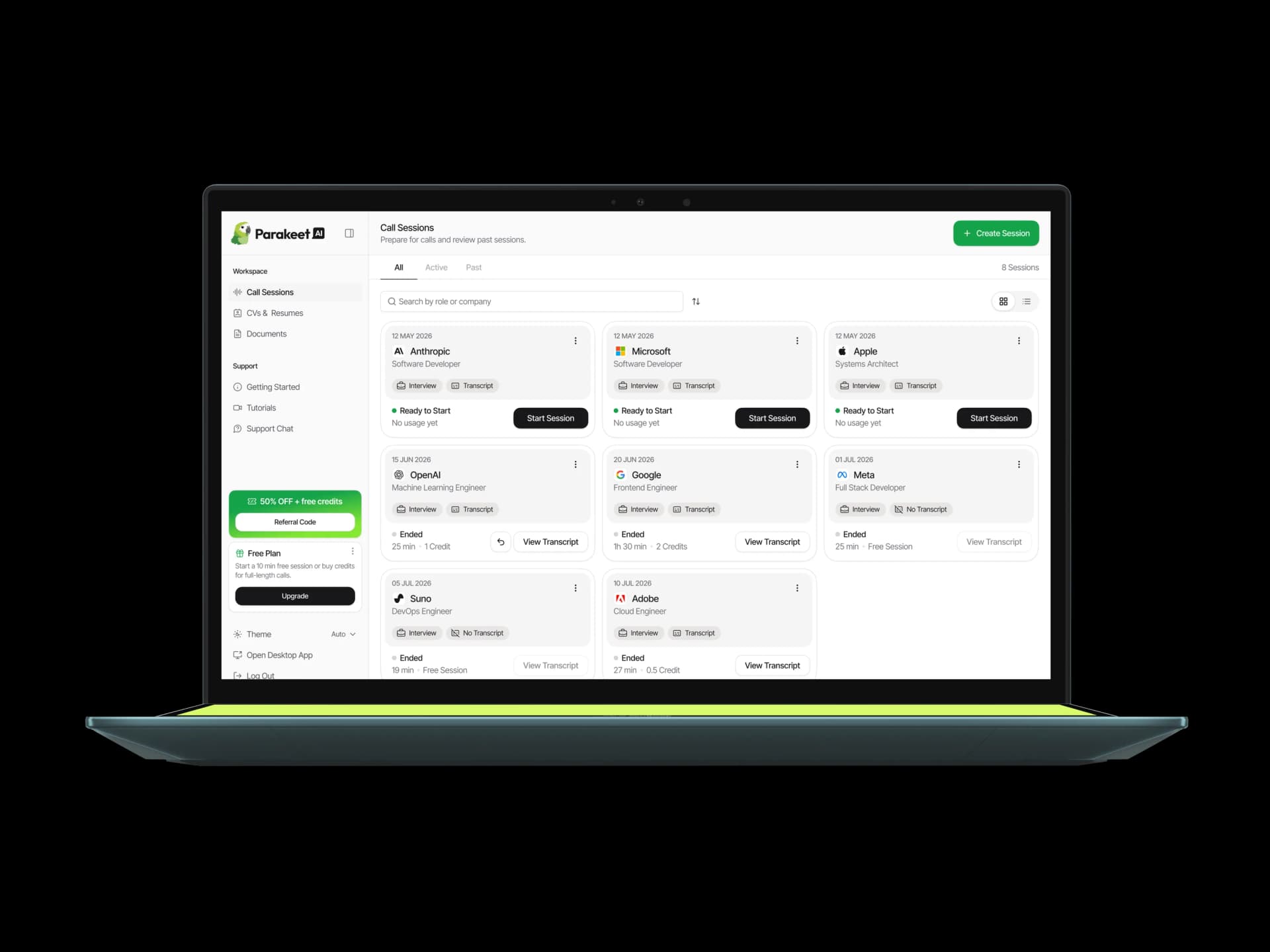
Desktop app, web, or mobile. Same powerful answers, wherever you are.
Works directly on Your Browser
Access ParakeetAI instantly from your browser. Same answers, zero setup.
Frequently Asked
Questions
Couldn't find what you were looking for?
ParakeetAI supports 50+ languages — you'll find the full list in the language dropdown when you start a session. It listens for one language at a time, so if you switch languages mid-call, update the session language to match.
Yes. ParakeetAI offers full coding support, including code suggestions and explanations, on any call where code comes up.
ParakeetAI uses any documents you've added and anything you type into the Instructions field when you create a session. You can paste a lot in there — an entire brief or document is fine. You can also send ParakeetAI messages during the call itself.
Yes. ParakeetAI supports phone calls over Google Voice. Start a session in the browser and click the phone icon for setup instructions.
A native ParakeetAI mobile app is on its way to the App Store and Google Play, but it isn't available to download just yet. In the meantime, use the mobile-optimized version directly in your browser: no download needed. Visit parakeet-ai.com on your phone and sign in.
The desktop app runs on Windows and macOS; in a browser, ParakeetAI needs desktop Chrome, which is also the way to use it on Linux. Other browsers aren't supported for live sessions, and the desktop app works whatever your default browser is.
You can choose the AI model when you create or edit a session, from the model dropdown. Options include several Gemini, GPT, and Claude models, with a fast default selected for you. Lighter models respond faster; larger models can give more detailed answers. If your remembered model ever changes on its own, an app update either reset it to the current default or moved a retired model to its replacement (Claude 4.5 Sonnet now runs as Claude Sonnet 5, and GPT-5.6 Sol as GPT-5.6 Terra) — just pick your model again.
Meetings, sales calls, client conversations, support escalations — anything you talk through live. Pick regular call when you create a session and ParakeetAI follows along with whoever you're speaking to. Documents, instructions, transcripts and notes work the same on every call.
Ready To Answer
Every Question?
Join 1.5M+ users. No credit card required.